AGRICULTURE AT HEART. TECHNOLOGY IN ACTION.Explore web & app solutions ↗
SOFTWARE SOLUTIONS

Choose your workflow.
Build the right system.

Explore software for agriculture programmes, field teams and office operations. Start with a focused first release, then plan additional modules around what your team needs.

Agriculture and livelihood MIS

Connect farmer and beneficiary records, field activities, approvals and programme reports. Start with the reporting hierarchy and the indicators your programme needs.

  • Farmer, household and cluster records
  • Activity review and programme reporting
  • FPO and NGO workflow planning
Explore agriculture software

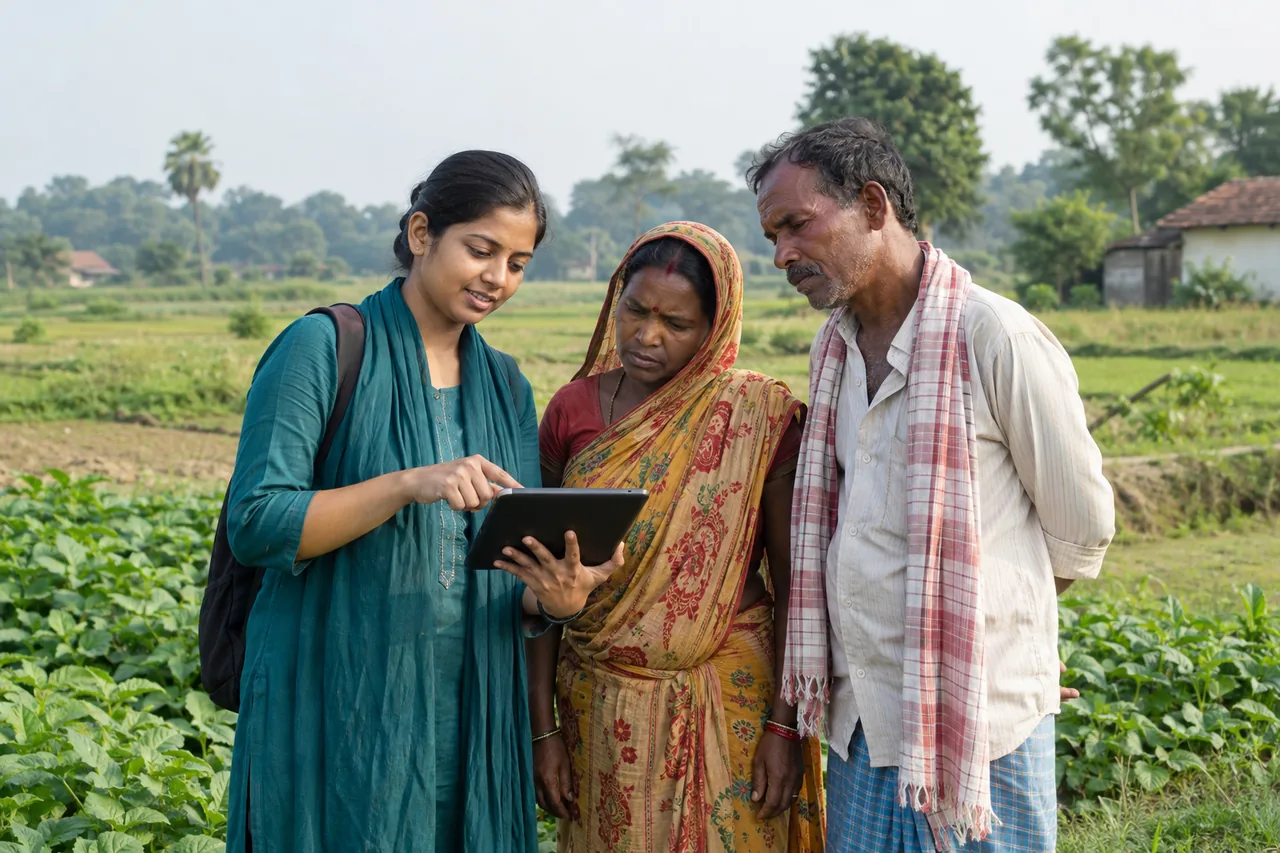
Field mobile applications

Give field users focused screens for registrations, surveys and activity updates. Plan for the devices, languages and connectivity conditions in which they work.

  • Task-oriented registration and visit forms
  • Review status and correction workflows
  • Offline requirements agreed during discovery
View the field app concept

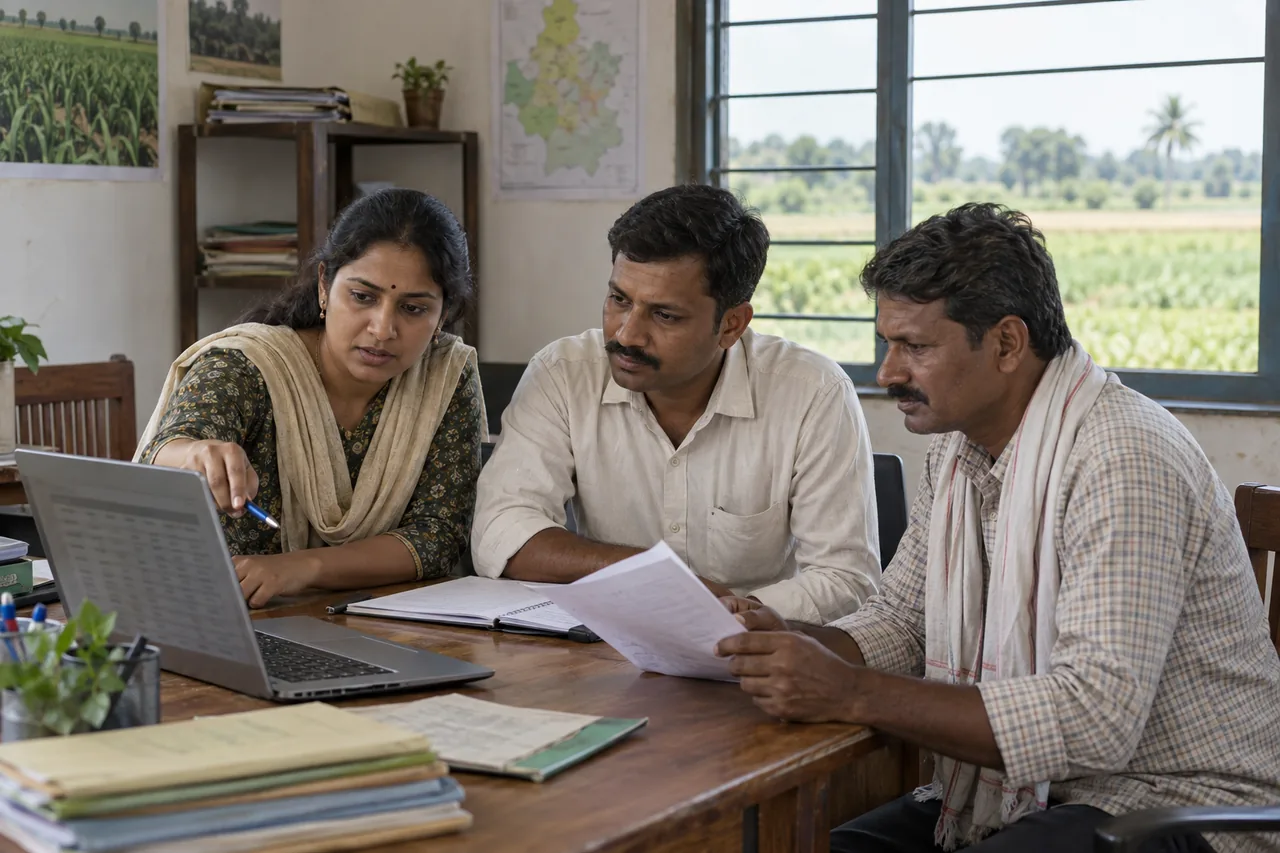
Custom web portals and workflows

Organise records and office work around your users. Define responsibilities, approval steps and exports before choosing which parts to automate.

  • Admin portals and role-based workflows
  • Inventory and input-to-output records
  • Imports and integrations scoped to your systems
View the operations portal concept
A USEFUL FIRST RELEASE

Prioritise a complete
working journey.

A smaller system that takes one record from entry through review to reporting is easier to evaluate than a large collection of disconnected screens.

01

Choose the records

Identify the farmers, members, activities or inventory items that need shared identifiers.

02

Define the workflow

Decide who submits, checks, corrects and approves each record.

03

Specify the output

Bring sample reports and exports, with periods and calculations clearly defined.

04

List dependencies

Note migration, external systems, mobile devices and connectivity constraints.

Use the requirements checklist →

PLAN YOUR NEXT STEP

Bring your workflow.
Let’s define the software.

Share your users, forms and reporting needs to start a project discussion.

Discuss your requirements ↗
WhatsApp ↗