Agriculture MIS software: a practical requirements checklist
Plan farmer records, field data collection, approvals and reports before commissioning agriculture MIS software for an NGO, FPO or livelihood programme.
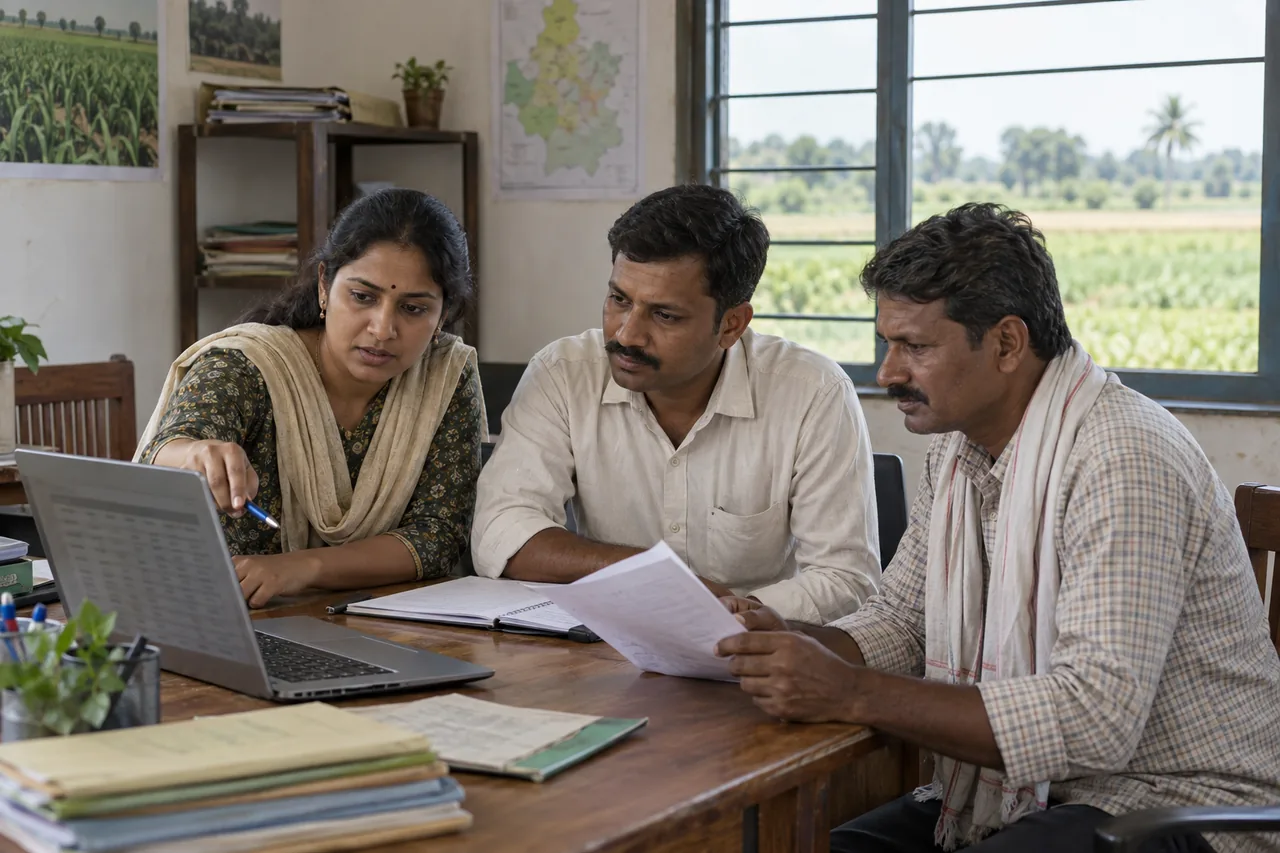
Agriculture software is most useful when it follows the work that people need to complete. Before commissioning an agriculture management information system (MIS), write down how information moves from a field visit to a verified programme report. This checklist is a starting point for that discussion, not a fixed product specification.
Start with the decisions and reports
List the decisions your team makes each week or month. A field supervisor may need to see pending visits, while a programme manager needs activity totals by location. Collect examples of existing reports and define the meaning of each indicator. Agree whether a number counts people, households, plots, visits or transactions; these should not be used interchangeably.
Define farmer and beneficiary records
Decide which records need unique identifiers and how related records connect. One household may include several farmers, and one farmer may have multiple plots or activities. Agree how to handle duplicate registrations, corrections and people moving between groups. Collect only the fields needed for the programme and define who can access personal information.
- List required and optional registration fields.
- Define relationships between farmers, households, groups and clusters.
- Agree how records are verified and corrected.
- Decide how existing spreadsheet records will be mapped and checked.
Map the field visit workflow
Describe a normal field visit from assignment to completion. Identify what a field worker records, what evidence is required and who reviews the submission. If teams operate with unreliable connectivity, make offline operation an explicit requirement and test how conflicting updates and failed uploads are handled. Do not assume that every mobile app includes offline support.
Separate collection, review and approval
A submitted record is not always an approved record. Define statuses such as draft, submitted, returned and approved, together with the roles allowed to change them. Agree whether rejected submissions can be edited, whether approvals need comments and what history must remain available. Use a small example dataset to walk through these transitions before development begins.
Choose modules for your organisation
An FPO may prioritise member records, input inventory and procurement. An NGO may need beneficiary activities, training attendance and programme indicators. A farm operation may focus on crop plans, input use and production. Start with the workflows that are hardest to manage today; optional modules can be scoped after the first release has been tested.
Plan reporting and data migration
For every dashboard, specify the source records, filters, reporting period and calculation. Decide how late submissions affect past reports. For migration, review sample spreadsheet rows, inconsistent dates, missing identifiers and duplicates before agreeing the import. Compare imported totals and selected records against the source, and document any exclusions.
Agree delivery and ongoing responsibilities
The project scope should identify hosting responsibilities, access controls, backups, data exports, training and support. Ask how the organisation receives its data if the system is replaced. Define acceptance checks using realistic workflows rather than a list of screens alone.
- Can a field worker complete a registration and submit an activity?
- Can a reviewer return a record and the original worker correct it?
- Do approved records appear in the intended report without duplicate counting?
- Are users restricted to the records and actions their roles permit?
- Can the team export the agreed data and restore a tested backup?
Prepare a useful development brief
Bring a sample registration form, an existing monthly report, a list of user roles, approximate record volumes and the intended launch date. Note any integrations, languages and device constraints. AgriNexa Technologies uses this discovery process to scope custom agriculture software, Web MIS and mobile applications. Final capabilities, timelines and costs depend on the agreed requirements.
Worked example: training attendance without duplicate totals
Imagine a programme records one farmer attending two training sessions in the same month. The attendance register has two activity records, but a report of unique farmers trained should count that farmer once. A report of total attendances should count both records. This is an illustrative example, not a result from an AgriNexa deployment.
Write down the reporting period, the farmer identifier and which approval statuses are included. Then check what happens if a session is entered twice, an attendance is returned for correction or an approved record changes after the monthly report has been exported. Agree these rules before treating dashboard totals as final.
A brief you can copy and complete
Use the following outline for the first project discussion. Approximate volumes are useful at this stage; sample forms should use anonymised records.
- Organisation and programme: [name and purpose]
- Current problem: [which task is slow, duplicated or difficult to review]
- Users and roles: [field worker, reviewer, manager and administrator]
- Locations: [village, cluster, block or district structure]
- First-release workflows: [registration, activity submission, review and reporting]
- Data volumes: [current records and expected monthly additions]
- Reports: [report name, reporting period, filters and indicator definitions]
- Mobile requirements: [devices, languages and any offline tasks]
- Migration and integrations: [existing files and systems]
- Delivery priorities: [target launch, essential modules and later additions]
- Handover: [hosting, support, backups, exports and training responsibilities]
Compare a ready-made product with custom development
A ready-made product may be suitable when its existing workflows and reports fit your organisation. Test it with your own example data and check the export options, user roles and recurring costs. Custom development is worth discussing when your approval process, reporting hierarchy or integrations require substantial changes. Compare the total delivery and support scope instead of comparing only the number of features.
Questions to ask during a demonstration
Ask to follow one record through registration, correction, approval and reporting. Use the same example in each demonstration so you can compare behaviour. If offline use is required, test a disconnected submission and its later synchronisation. If you need migration, ask to review a small sample import before accepting the complete dataset. Confirm these requirements in the proposal; a screen demonstration alone does not establish ongoing support or delivery commitments.